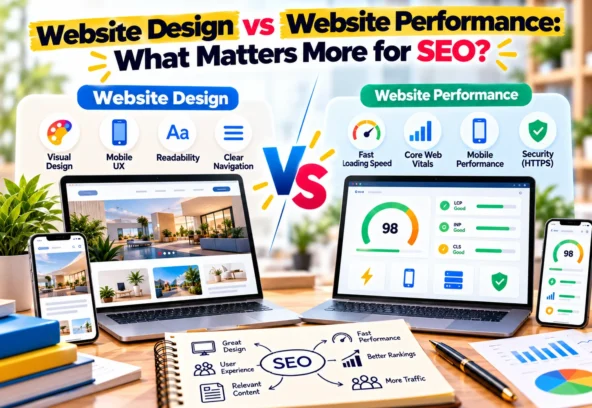

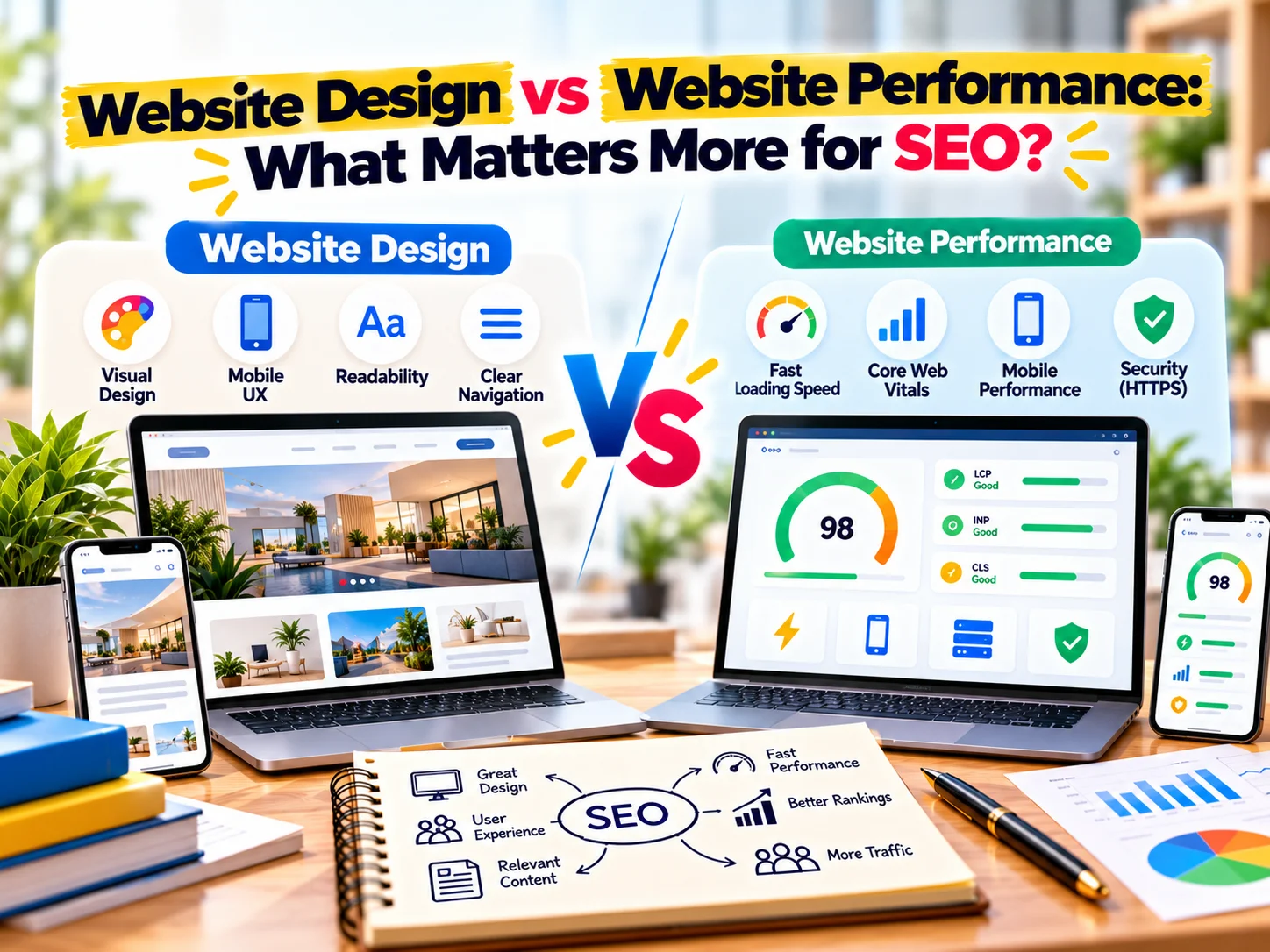
A website can look stunning and still struggle to perform in search.
Likewise, a technically fast website may load quickly but fail to keep visitors engaged because the design is confusing or difficult to use.
So, when it comes to SEO, what matters more?
Website design or website performance?
The answer is that SEO needs both. However, they influence different parts of the user experience and search journey.
A strong website combines an attractive, easy-to-use interface with fast loading, mobile usability, accessible content, and solid technical foundations.
In other words:
Good design gets attention. Good performance keeps the experience smooth. SEO connects both with search visibility.
Let’s look at how website design and performance affect SEO and why businesses should treat them as parts of the same strategy.
What Is Website Design?
Website design covers how a website looks, feels, and guides visitors.
It includes elements such as:
- Layout
- Typography
- Colours
- Images
- Navigation
- Buttons
- Spacing
- Visual hierarchy
- Branding
- Mobile layout
- Calls to action
Good website design makes information easier to understand.
For example, when someone lands on a service page, they should quickly understand:
- What the business offers
- Who the service is for
- Why it matters
- What makes the business different
- What action they should take next
Therefore, design isn’t simply about making a website attractive.
It is also about making information easier to find and actions easier to complete.
What Is Website Performance?
Website performance refers to how efficiently a website loads and responds when someone interacts with it.
Important factors include:
- Page loading speed
- Server response time
- Image optimisation
- JavaScript execution
- CSS efficiency
- Caching
- Mobile performance
- Layout stability
- Interaction responsiveness
Google also uses Core Web Vitals as part of its page experience considerations.
The current Core Web Vitals focus on:
- Largest Contentful Paint (LCP) — loading performance
- Interaction to Next Paint (INP) — responsiveness
- Cumulative Layout Shift (CLS) — visual stability
These metrics help evaluate important aspects of the real user experience.
Website Design vs Website Performance
The easiest way to understand the difference is to look at their primary roles.
Website Design | Website Performance |
Controls visual presentation | Controls technical experience |
Builds brand perception | Improves loading and responsiveness |
Guides visitors | Reduces unnecessary waiting |
Creates visual hierarchy | Supports smoother interactions |
Improves usability | Improves technical efficiency |
Supports conversions | Helps users access content efficiently |
However, these areas overlap.
A beautiful design that takes too long to load can create a poor experience.
Similarly, a fast website with confusing navigation can still struggle to convert visitors.
That is why businesses should not treat design and performance as competing priorities.
Does Website Design Affect SEO?
Yes, but usually through a combination of usability, content presentation, accessibility, and user experience rather than simply through visual appearance.
Search engines need to understand the content of your pages.
Visitors also need to understand that content quickly.
For example, a service page with:
- Clear headings
- Logical sections
- Readable typography
- Descriptive links
- Useful images
- Strong navigation
- Clear calls to action
can create a better experience than a page filled with decorative elements but little useful information.
Good design should therefore support the content rather than hide it.
Does Website Performance Affect SEO?
Yes.
Performance matters because slow or unstable pages can create a poor user experience.
Google’s page experience guidance includes Core Web Vitals among the signals website owners should consider.
However, performance should not be treated as the only SEO factor.
A fast website still needs:
- Helpful content
- Relevant information
- Good technical SEO
- Search-friendly structure
- Internal links
- Mobile usability
- Strong page experience
- Clear site architecture
Therefore, improving speed alone won’t automatically make a website rank.
Why Page Speed Matters for Users
Imagine clicking a search result and waiting several seconds for the main content to appear.
You may leave before reading anything.
Now imagine the same page loads quickly and immediately presents:
“Website Development Services for Growing Businesses”
followed by a clear explanation and CTA.
The second experience creates less friction.
Performance therefore affects what happens after someone discovers your website.
Why Mobile Performance Matters
A large portion of web browsing happens on mobile devices.
However, mobile users don’t always have the same connection speed or processing power as desktop users.
A website that performs well on a fast desktop connection may still feel slow on a mobile device.
Therefore, businesses should test websites on real mobile conditions rather than relying only on a desktop experience.
Check:
- Mobile loading
- Font readability
- Button size
- Navigation
- Image scaling
- Content layout
- Form usability
- Sticky elements
- Pop-ups
A responsive website should not simply shrink the desktop design.
It should provide a good mobile experience.
The Problem With Over-Designed Websites
Modern websites often use:
- Large animations
- Video backgrounds
- Multiple sliders
- Heavy visual effects
- Custom fonts
- Large images
- Complex JavaScript
- Decorative elements
These features can create a premium visual experience.
However, every additional element can introduce performance considerations.
For example, a homepage with several high-resolution videos and animation scripts may look impressive but take longer to load.
The solution isn’t to remove all visual design.
Instead, use design strategically.
Ask:
Does this element improve the user experience or simply add decoration?
If it doesn’t add meaningful value, consider simplifying it.
The Problem With Over-Optimised Websites
The opposite problem also exists.
Some businesses focus so heavily on performance that the website becomes difficult to use.
For example:
- Tiny text
- Minimal navigation
- Poor visual hierarchy
- Generic layouts
- Weak branding
- Difficult forms
- Hidden CTAs
A website may score well on a performance test but still fail to communicate effectively.
Therefore, performance optimisation should support usability rather than replace good design.
SEO Needs More Than Speed
Website speed is important, but SEO involves much more.
A search-friendly website should provide:
Useful Content
Answer the user’s question clearly and comprehensively.
Search Intent Alignment
Give visitors the information they actually expect from the search.
Clear Structure
Use logical headings, sections, links, and navigation.
Technical Accessibility
Make it easier for search engines to crawl and understand important pages.
Mobile Usability
Ensure content and functionality work properly across devices.
Performance
Reduce unnecessary delays and improve page responsiveness.
Internal Linking
Help users and search engines discover related content.
Trust Signals
Show relevant information about your business, expertise, products, services, and experience.
SEO works best when these elements work together.
How Design Can Support SEO
Good design can make SEO content easier to consume.
For example, instead of presenting 1,500 words as one large block, structure the page with:
- H2 headings
- H3 subheadings
- Short paragraphs
- Bullet points
- Tables
- Images
- FAQs
- Clear CTAs
This improves readability.
It also makes the page easier to scan.
A visitor should be able to quickly identify the section that answers their question.
Use Visual Hierarchy to Guide Visitors
Visual hierarchy determines what users notice first.
For example:
H1: Website Development Services
Supporting text: Build a fast, responsive website designed around your business goals.
CTA: Get a Website Quote
This structure immediately communicates:
- What the page is about
- What the business offers
- What action the visitor can take
Good hierarchy helps users navigate the page without unnecessary effort.
Don't Hide Important Content Behind Design
Search engines need accessible content.
Avoid relying entirely on:
- Text inside images
- Content loaded only after complex interactions
- Decorative sliders
- Hidden tabs
- Excessive pop-ups
Important information should exist as actual page content whenever possible.
For example, if your primary service is SEO services, don’t put the entire service description inside an image.
Use readable HTML text on the page.
Optimise Images Without Sacrificing Design
Images can significantly contribute to page weight.
However, businesses don’t need to remove images completely.
Instead:
- Use appropriate dimensions
- Compress images
- Choose efficient formats where suitable
- Avoid unnecessarily large files
- Use responsive images
- Lazy-load appropriate below-the-fold images
- Provide meaningful alt text where relevant
This allows you to maintain a strong visual experience while reducing unnecessary performance overhead.
Be Careful With Web Fonts
Typography plays an important role in brand identity.
However, loading multiple font families and numerous font weights can increase resource requirements.
A better approach is to:
- Limit font families
- Load only required weights
- Use appropriate font-display behaviour
- Remove unused font files
- Consider performance when choosing custom fonts
Good typography doesn’t require dozens of font variations.
Animations Should Have a Purpose
Animations can make a website feel modern.
However, excessive motion can distract visitors and increase technical complexity.
Use animation to:
- Guide attention
- Explain interactions
- Create visual feedback
- Improve transitions
Avoid animation simply because a design trend makes it popular.
The best animation is usually the one that supports the user’s journey.
Design for Conversion and SEO Together
SEO brings people to the website.
Design helps them understand what they found.
Performance helps them interact with it smoothly.
For example:
Search query
↓
SEO-optimised landing page
↓
Fast page load
↓
Clear headline
↓
Useful information
↓
Trust signals
↓
CTA
↓
Lead
This is why SEO, design, performance, and conversion optimisation should work together.
What Should You Prioritise First?
If you are building a new website, don’t wait until launch to think about performance.
Include performance from the beginning.
During Planning
Define:
- Website structure
- Target audience
- Search intent
- Main services
- Content requirements
- Conversion goals
During Design
Focus on:
- Clear navigation
- Mobile-first layouts
- Readable content
- Visual hierarchy
- Accessible interactions
- Consistent branding
During Development
Focus on:
- Clean code
- Efficient assets
- Responsive design
- Technical SEO
- Caching
- Image optimisation
- Performance
Before Launch
Test:
- Mobile performance
- Desktop performance
- Core Web Vitals
- Forms
- Navigation
- Links
- Images
- Search indexing
- Redirects
- Structured data
This approach prevents performance from becoming an afterthought.
What If Your Website Is Beautiful but Slow?
Don’t redesign the entire website immediately.
First identify what is actually causing the performance problem.
Common causes include:
- Large images
- Unoptimised videos
- Too many plugins
- Excessive JavaScript
- Third-party scripts
- Poor hosting
- Unused CSS
- Too many fonts
- Heavy page builders
- Poor caching configuration
Optimise the biggest problems first.
A targeted performance audit can often identify opportunities without completely rebuilding the website.
What If Your Website Is Fast but Doesn't Rank?
Speed isn’t a substitute for SEO.
Check:
Search Intent
Does the page answer what people are searching for?
Content Quality
Does it provide useful, specific information?
Keyword Targeting
Does the page naturally cover the topic?
Internal Links
Can users and search engines discover related pages?
Technical SEO
Can search engines crawl and index the page properly?
Authority and Trust
Does the website demonstrate relevant expertise and credibility?
Competition
Are competing pages providing stronger answers or better resources?
Improving performance alone won’t solve every ranking problem.
A Practical Website SEO Framework
A useful way to approach website optimisation is:
1. Discoverability
Can search engines find and understand the page?
2. Relevance
Does the page match the search intent?
3. Usability
Can visitors easily read and navigate it?
4. Performance
Does it load and respond efficiently?
5. Trust
Does the website provide evidence that the business is credible?
6. Conversion
Can visitors easily take the next step?
This framework is more useful than focusing on a single metric.
Website Design and Performance Checklist
Before launching or redesigning a website, review the following.
Design
- Clear navigation
- Strong visual hierarchy
- Readable typography
- Consistent branding
- Clear CTAs
- Mobile-friendly layout
- Accessible content
- Easy-to-use forms
Performance
- Optimised images
- Efficient CSS
- Efficient JavaScript
- Appropriate caching
- Good hosting
- Optimised fonts
- Limited unnecessary third-party scripts
- Good Core Web Vitals
SEO
- Search-friendly URLs
- Unique title tags
- Useful meta descriptions
- Proper heading structure
- Descriptive internal links
- Optimised images
- XML sitemap
- Robots.txt
- Structured data where appropriate
- Mobile usability
- Indexable content
Conversion
- Clear value proposition
- Visible contact options
- Strong CTA
- Trust signals
- Testimonials
- Case studies
- Simple enquiry forms
Frequently Asked Questions
Is website design important for SEO?
Yes. While visual appearance itself isn’t the only SEO consideration, good design can improve usability, content presentation, navigation, accessibility, and the overall user experience.
Is website speed more important than design for SEO?
Neither should be treated as a standalone winner. Performance is an important part of a good website experience, while design determines how effectively users navigate and understand the content.
Can a beautiful website rank on Google?
Yes. Visual design doesn’t prevent a website from ranking. However, the website also needs relevant content, technical SEO, crawlability, mobile usability, performance, and other search-related fundamentals.
Does improving Core Web Vitals improve rankings?
Core Web Vitals are part of Google’s page experience considerations. However, achieving strong scores does not guarantee higher rankings because Google uses many signals to determine search results.
Should I prioritise website speed or website design?
Build both into the website from the beginning. Avoid adding heavy design elements without considering their performance impact, and don’t sacrifice usability simply to achieve a faster technical score.
Final Thoughts
The question isn’t really website design vs website performance.
A successful SEO-friendly website needs both.
Design helps visitors understand your brand and navigate your content.
Performance helps them access and interact with that content efficiently.
SEO connects these elements with search intent, useful content, technical accessibility, and search visibility.
Therefore, the strongest approach is to build a website that is:
Beautiful enough to engage.
Fast enough to use.
Clear enough to understand.
Useful enough to rank.
Focused enough to convert.
When design, performance, SEO, and conversion strategy work together, your website becomes more than a digital brochure.
It becomes a business asset.
Need an SEO-Friendly Website?
CreativeKatta combines website development, SEO, creative design, branding, and digital marketing to help businesses build websites that look professional, perform efficiently, and support business growth.
Build a Website Designed for Search, Users and Conversions — Talk to CreativeKatta.