
Search is changing.
People still use Google to find businesses, products, services, and information. However, they are also using AI-powered search experiences to ask longer and more conversational questions.
As a result, businesses need websites that work well for both traditional search and AI-powered discovery.
A modern website should not only look professional. It should also help search engines and AI systems understand:
- What your business does
- Which services you provide
- Who you serve
- Where you operate
- What makes your business different
- Why customers should trust you
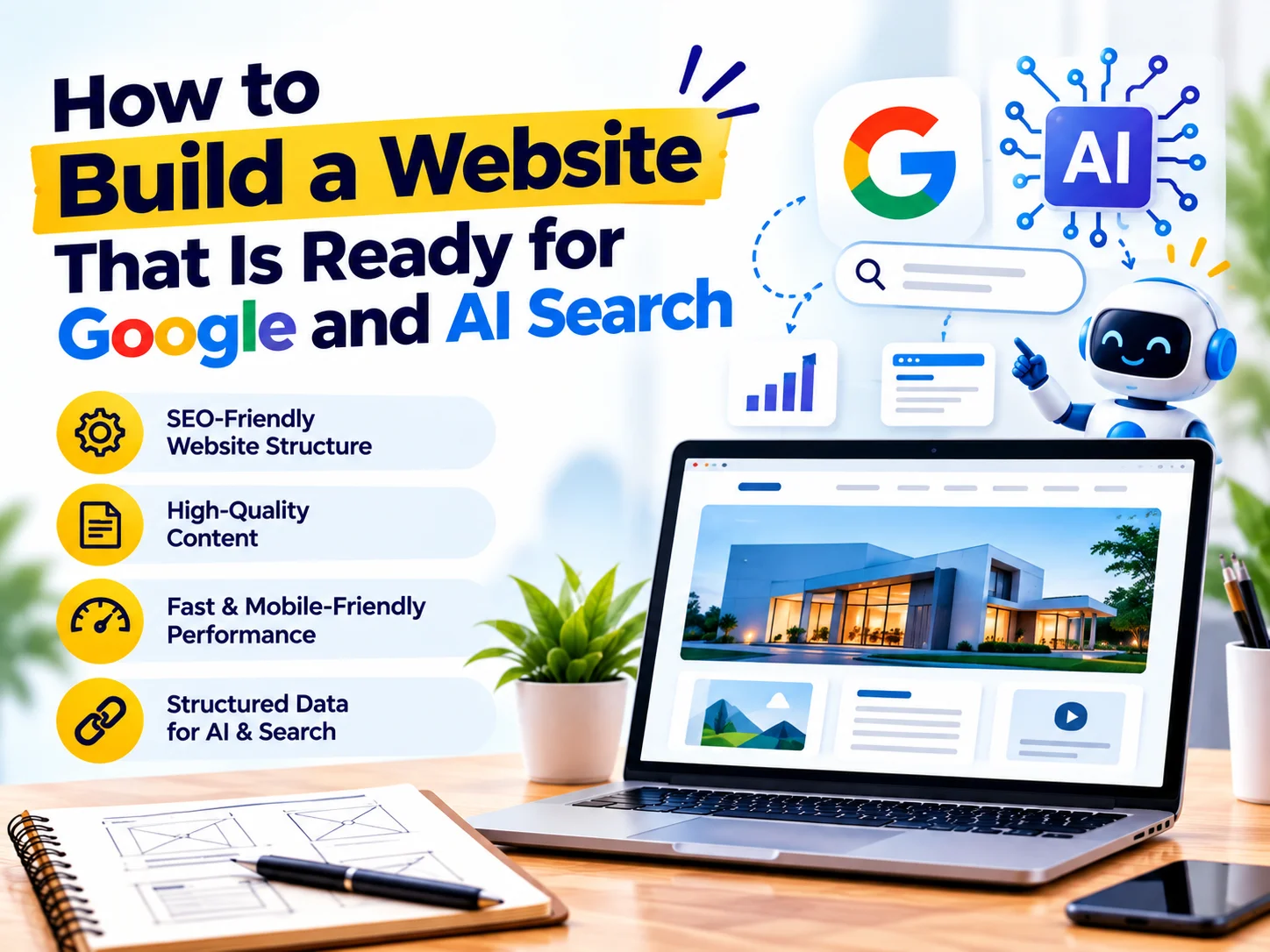
So, how do you build a website that is ready for Google and AI search?
The answer starts with strong SEO fundamentals and continues with clear content, structured information, technical performance, and genuine expertise.
What Does "Google and AI Search Ready" Mean?
A search-ready website makes its information easy to discover, understand, and use.
Traditional Google search often helps users find relevant web pages.
AI-powered search can go further by understanding questions, combining information, and generating conversational answers.
Therefore, your website needs to provide clear and trustworthy information in a structure that both people and search systems can understand.
This does not mean creating a completely separate website for AI.
Instead, build a technically strong, useful, accessible, and well-organized website.
1. Start With a Clear Website Structure
First, organize your website around your customers and services.
A typical business website could include:
- Home
- About
- Services
- Individual service pages
- Industries
- Portfolio or case studies
- Blog
- FAQs
- Contact
However, don’t create pages simply to increase the number of URLs.
Every page should have a clear purpose.
For example, if you provide website development, create a dedicated page that explains:
- What website development includes
- Who the service is for
- Your development process
- Technologies you use
- Benefits
- Project examples
- FAQs
- How customers can contact you
This gives Google and AI systems more context about your business.
2. Create One Strong Page for Each Important Service
One of the most common website SEO problems is putting every service on a single page.
For example:
Website Development | SEO | Branding | Social Media | Video Editing | PPC
A visitor may struggle to find detailed information about each service.
Instead, create dedicated pages when each service represents a meaningful search topic.
For example:
- Website Development
- SEO Services
- Brand Identity Design
- Social Media Marketing
- Video Editing
- Google Ads Management
Then, link these pages from your main Services page.
This creates a clearer website structure.
3. Use Clear Headings
Headings help users scan content.
They also help search systems understand the organization of your page.
Use:
H1 for the main page topic.
H2 for major sections.
H3 for supporting sections.
For example:
Website Development Services
What Our Website Development Service Includes
Responsive Web Design
Ecommerce Development
WordPress Development
Website Maintenance
This structure makes the page easier to read and understand.
4. Answer Important Questions Directly
AI search often involves conversational questions.
Therefore, your website should answer the questions your customers actually ask.
For example:
- What does website development cost?
- How long does website development take?
- Is WordPress suitable for my business?
- Can you redesign an existing website?
- Do you provide website maintenance?
- Can you optimize my website for SEO?
- Do you provide local SEO services?
You can answer these questions within your service pages or create dedicated FAQ sections.
Most importantly, provide a direct answer first.
Then, add supporting details.
5. Write for People First
SEO should never make your content difficult to read.
Avoid stuffing keywords into every paragraph.
Instead, use your primary keyword naturally.
For example, instead of repeatedly writing:
“Website development company Bangalore website development services Bangalore website development agency…”
write naturally:
“CreativeKatta provides website development services for businesses looking to build fast, responsive, and search-friendly websites.”
The content remains useful while still providing relevant context.
6. Build Topic Authority
A single service page may not answer every question your customers have.
Therefore, create supporting content around your core topics.
For example, if website development is one of your main services, create articles such as:
- How Much Does a Business Website Cost?
- How Long Does It Take to Build a Website?
- WordPress vs Custom Website Development
- Why Your Website Looks Good but Doesn’t Generate Leads
- How to Improve Website Conversion Rate
- How Website Speed Affects SEO
- How to Make a Website Mobile-Friendly
Then, connect these articles to your main Website Development page.
This creates a strong internal linking structure and helps demonstrate topical depth.
7. Add Internal Links
Internal linking helps visitors discover related information.
It also helps search engines understand the relationship between your pages.
For example:
Blog: Why Your Website Looks Good but Doesn’t Generate Leads
↓
Service Page: Website Development
↓
Related Service: SEO Services
Use descriptive anchor text where appropriate.
For example:
Learn more about our website development services.
This is more informative than:
Click here.
8. Optimize Your Website for Mobile
A search-ready website must work well on mobile devices.
Check:
- Font sizes
- Button sizes
- Navigation
- Forms
- Images
- Tables
- Videos
- Spacing
- Page speed
Don’t simply make the desktop website smaller.
Instead, create a responsive layout that adapts naturally to different screen sizes.
9. Improve Website Speed
Performance matters for both users and search visibility.
Large images, unnecessary scripts, excessive plugins, and heavy animations can slow down your website.
Therefore:
- Compress images
- Use WebP or other efficient formats
- Enable caching
- Minimize unnecessary scripts
- Optimize CSS and JavaScript
- Use suitable hosting
- Reduce unnecessary plugins
- Optimize fonts
A faster website provides a better experience and makes it easier for visitors to access your content.
10. Use Structured Data Where Appropriate
Structured data provides additional information about your content to search engines.
Depending on your business and page type, you may use relevant schema such as:
- Organization
- LocalBusiness
- Service
- Product
- Article
- Breadcrumb
- FAQ
However, only use structured data that accurately represents the visible content on the page.
Don’t add schema simply because it is available.
The information should be relevant and accurate.
11. Make Your Business Information Clear
AI search systems need context.
Therefore, make important business information easy to find.
Include:
- Business name
- Services
- Location
- Service areas
- Contact details
- About information
- Industry experience
- Business categories
- Customer testimonials
- Portfolio or case studies
For local businesses, keep business information consistent across important online profiles.
This helps establish a clearer digital identity.
12. Strengthen Your Local SEO
If you serve customers in specific locations, include location information naturally.
For example:
Website Development Company in Bangalore
can be a relevant service page topic if you genuinely serve Bangalore customers.
You can also create useful location-specific content when there is a genuine service reason.
Avoid creating dozens of nearly identical city pages simply to target keywords.
Instead, make every location page genuinely useful.
13. Demonstrate Real Experience
AI can generate generic information quickly.
Therefore, original experience can help your content stand out.
Include:
- Case studies
- Project examples
- Client challenges
- Before-and-after examples
- Screenshots
- Original insights
- Processes
- Lessons learned
- Results where you can substantiate them
For example, instead of simply explaining that website speed matters, discuss common performance problems you encounter during website optimization projects.
This creates more useful and distinctive content.
14. Create Strong About and Author Information
Your website should make it easy for visitors to understand who is behind the business.
Your About page can explain:
- Who you are
- What you do
- Who you serve
- Your experience
- Your approach
- Your team
- Your values
- Your expertise
For content-heavy websites, author information can also provide useful context.
This helps create a clearer picture of your business and the people responsible for its content.
15. Optimize Images
Images contribute to both user experience and website performance.
Use:
- Descriptive filenames
- Relevant alt text
- Appropriate image dimensions
- Compressed images
- Modern formats where suitable
For example:
Poor filename:
IMG_1234.jpg
Better filename:
creativekatta-website-development-team.jpg
However, avoid keyword stuffing in filenames or alt text.
Describe the actual image accurately.
16. Create an SEO-Friendly URL Structure
Keep URLs simple and descriptive.
For example:
Good:
/website-development/
Less useful:
/page?id=2847
For blog posts:
/how-to-build-a-website-ready-for-google-and-ai-search/
A clear URL helps users and search systems understand the page topic.
17. Keep Your Content Fresh
Search-friendly websites need maintenance.
Review important pages periodically.
Update:
- Outdated statistics
- Service information
- Pricing information
- Team information
- Broken links
- Screenshots
- Outdated examples
- Old references
However, don’t change content simply to make it appear “fresh.”
Update it when you can genuinely improve its accuracy or usefulness.
18. Make Your Website Easy to Crawl
Search engines need to access your pages.
Check your technical setup regularly.
Important areas include:
- XML sitemap
- Robots.txt
- Canonical URLs
- HTTPS
- Redirects
- Broken links
- Indexing
- Mobile usability
- Page status codes
Also, monitor your website through tools such as Google Search Console.
This can help identify indexing and search-performance issues.
19. Don’t Forget Conversion Optimization
SEO can bring visitors to your website.
However, your website should also turn relevant visitors into potential customers.
Therefore, add clear CTAs such as:
- Get a Free Consultation
- Request a Quote
- Talk to an Expert
- Start Your Project
- Get in Touch
Place relevant CTAs throughout important pages.
For example:
Service information → Benefits → Proof → CTA
This creates a natural path from information to action.
20. Build for Search and Humans Together
The biggest mistake is treating Google and AI optimization as a completely separate activity.
Instead, focus on creating a website that provides:
Clear Information + Technical Quality + Useful Content + Trust + Great User Experience
These fundamentals support both traditional search and AI-powered discovery.
Google SEO vs AI Search: What Should Your Website Focus On?
You don’t need two separate SEO strategies.
Instead, build a strong foundation.
Website Element | Google Search | AI Search |
Clear content | ✓ | ✓ |
Search intent | ✓ | ✓ |
Helpful answers | ✓ | ✓ |
Technical SEO | ✓ | ✓ |
Internal links | ✓ | ✓ |
Structured data | ✓ | ✓ |
Local information | ✓ | ✓ |
Expertise | ✓ | ✓ |
Case studies | ✓ | ✓ |
Fast performance | ✓ | ✓ |
Mobile usability | ✓ | ✓ |
The overlap is significant.
Therefore, improving your website fundamentals can support visibility across multiple search experiences.
Website SEO and AI Search Checklist
Before launching your website, check the following:
Content
☑ Clear homepage message
☑ Dedicated service pages
☑ Useful FAQs
☑ Customer-focused content
☑ Search intent optimization
☑ Original insights and experience
Technical SEO
☑ Mobile-friendly design
☑ Fast loading speed
☑ HTTPS
☑ XML sitemap
☑ Clean URLs
☑ Proper redirects
☑ Crawlable pages
☑ Appropriate structured data
AI Search Readiness
☑ Clear answers to customer questions
☑ Well-structured headings
☑ Context-rich content
☑ Consistent business information
☑ Author and company information
☑ Case studies and first-hand experience
☑ Strong internal linking
Conversion
☑ Clear CTAs
☑ Easy contact forms
☑ Phone and WhatsApp options where appropriate
☑ Testimonials
☑ Portfolio or case studies
☑ Simple navigation
Frequently Asked Questions
Q. How do I make my website ready for AI search?
A. Create clear, useful, well-structured content that directly answers customer questions. Also, maintain strong technical SEO, accurate business information, internal links, structured data where appropriate, and evidence of genuine expertise.
Q. Does AI search replace Google SEO?
A. No. Traditional SEO remains important. Instead, AI-powered search adds another way for people to discover information and businesses.
Q. Should I use AI-generated content on my website?
A. AI can help with research, brainstorming, and drafting. However, review and improve AI-assisted content to ensure that it is accurate, useful, original, and relevant to your audience.
Q. Does structured data help with AI search?
A. Structured data can help search engines understand specific information about a page. However, it should accurately represent the visible content and should not replace high-quality content or technical SEO.
Q. How important is website speed for SEO?
A. Website speed contributes to a better user experience. Therefore, optimizing images, scripts, caching, hosting, and other performance factors remains an important part of website optimization.
Q. How can a small business appear in AI search results?
A. There is no guaranteed method for appearing in AI-generated answers. However, businesses can improve their overall search visibility by publishing useful content, demonstrating expertise, maintaining accurate business information, strengthening technical SEO, and clearly explaining their products and services.
Final Thoughts
A search-ready website is no longer just a collection of pages designed to rank for keywords.
Instead, it should function as a clear digital knowledge source about your business.
Google and AI-powered search systems need to understand your services, expertise, audience, location, and value.
At the same time, your customers need a website that is fast, easy to navigate, useful, and trustworthy.
Therefore, the best approach is not to choose between Google SEO and AI search optimization.
Build a website that does both well.
Clear content. Strong SEO. Useful answers. Technical performance. Real expertise. Great user experience.
Together, these elements create a stronger foundation for modern search.
Build a Website Ready for Google and AI Search
At CreativeKatta, we combine website development, SEO, creative design, content strategy, and AI-search-focused optimization to help businesses build a stronger online presence.
Whether you need a new website, website redesign, SEO optimization, service pages, or a complete digital strategy, our team can help create a website built for both people and modern search.
Ready to make your website search-ready?
Talk to CreativeKatta today and build a website designed for Google, AI search, and your customers.